
Download the Community Classic Offensive Launcher
One-click play, automatic updates, integrated server browser and custom launch options. Make sure Steam is running in the background.
Version: 1.0.0 • Platform: Windows • Auto Updates: Enabled
Tip: Right-click → Run as administrator if you have permission issues.
VirusTotal scan and Open Source client
We publish a public VirusTotal scan for transparency. The installer is safe to use and does not contain viruses. Open source with full github source code, you can check before what you install.
View scan on VirusTotal View source codeLauncher Screenshots
Preview the launcher UI: Play, Servers, FAQ and Settings.
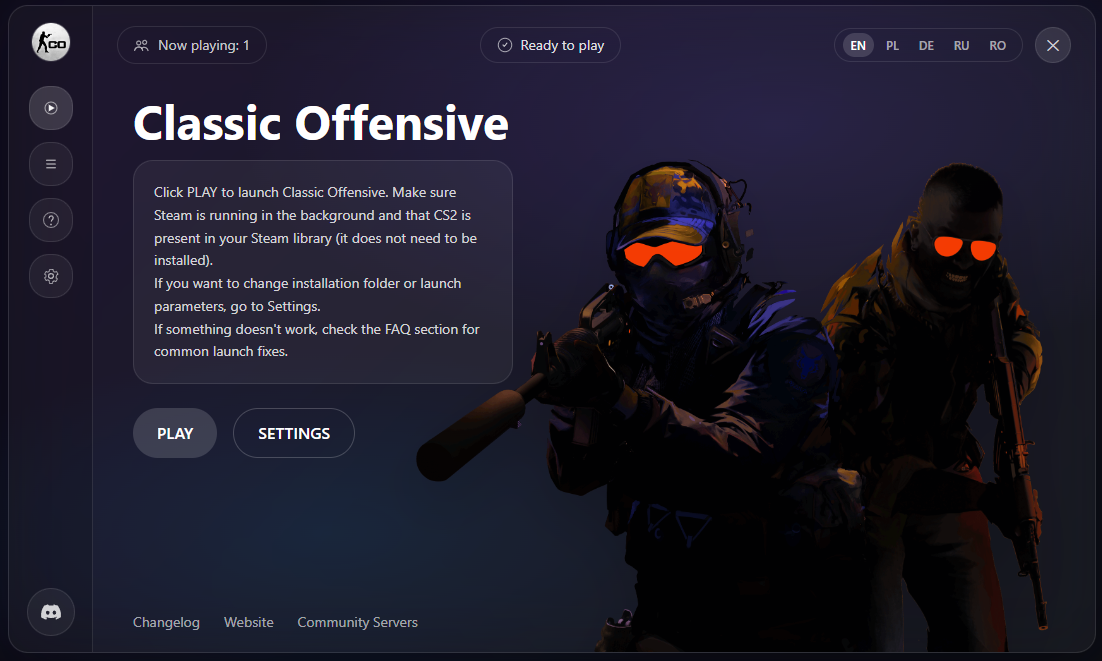
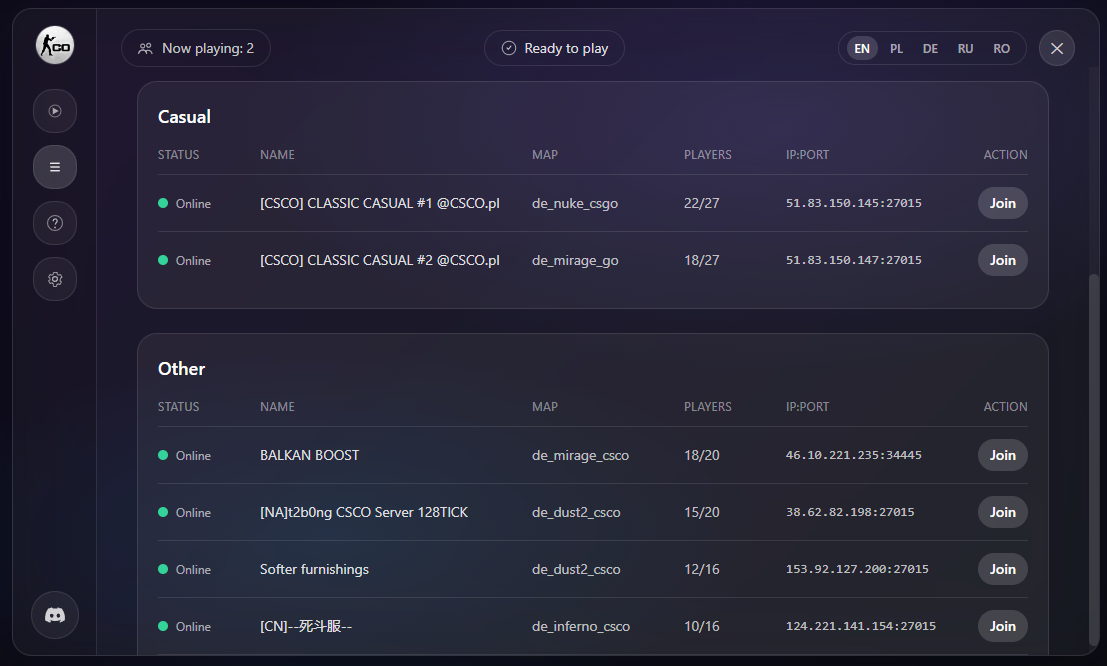
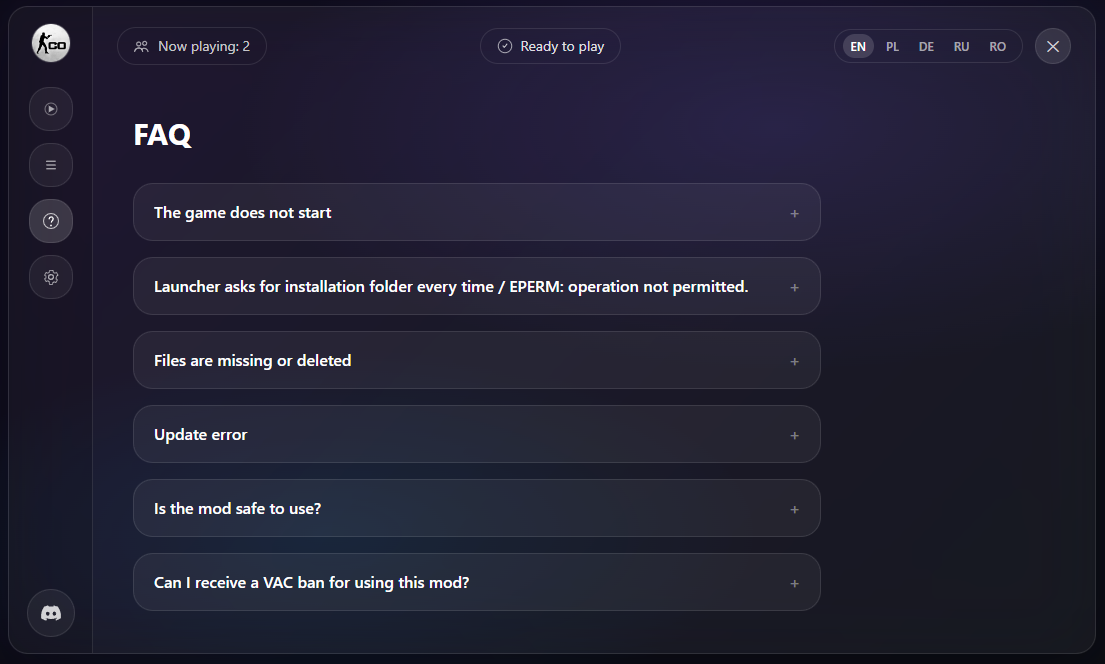
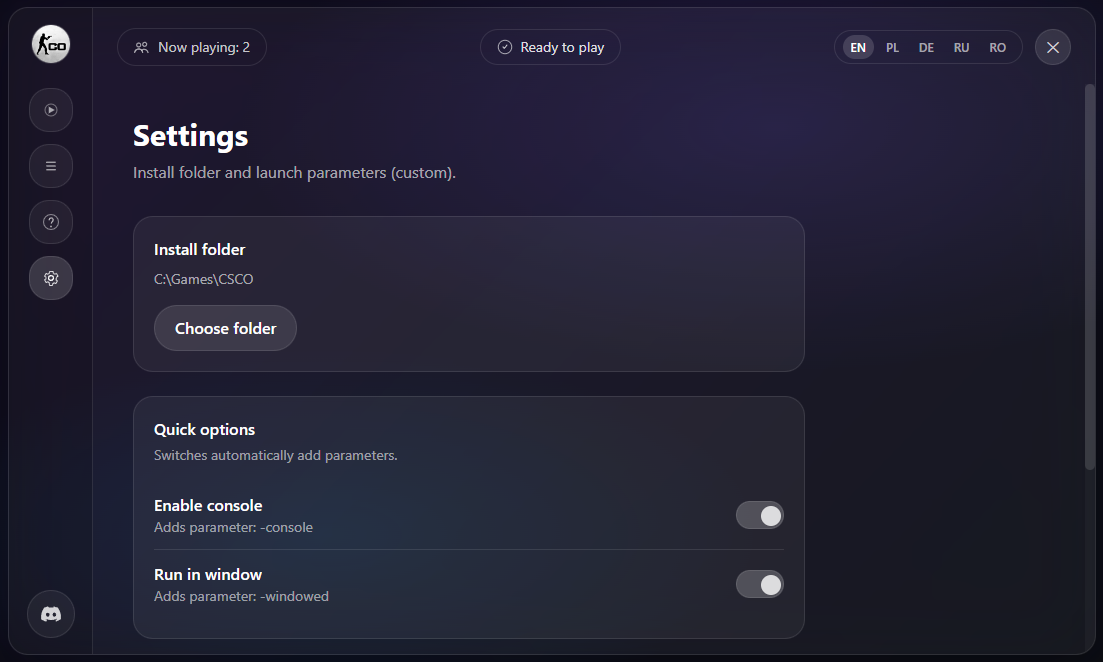
Click any screenshot to zoom.
Join the Community
We’ve built a growing Polish and international community around Classic Offensive. Everyone is welcome.
- Polish Community with daily players
- English-speaking support and guides
- German, Spanish, French players welcome
Need help with installation or setup? Join our Discord server:
Join Discord CommunityAbout Classic Offensive
Classic Offensive is a community remake of Counter-Strike, started in 2016, based on Counter-Strike: Global Offensive. Re-balanced and revitalized, Classic Offensive is an homage to the original vision of the game that started it all.
Frequently Asked Questions (FAQ)
Is Classic Offensive free?
Yes. The launcher and the client are free to use.
Does the launcher modify my Steam / CS2 installation?
No. The launcher operates as a standalone client and does not modify Steam files.
The launcher asks for install folder every time / EPERM error
Run the launcher as administrator and make sure the install directory is writable. Avoid protected folders like Program Files.